

2·
8 days agoThis seems like it’s for sharing same keyboard and mouse between multiple computers. What I am looking for is for the secondary laptop just to act as a monitor. That’s it. It could just be a video stream of a virtual monitor.

I like computers, trains, space, radio-related everything and a bunch of other tech related stuff. User of GNU+Linux.
I am also dumb and worthless.
My laptop is ThinkPad L390y running Arch.
I own RTL-SDRv3 and RSP1 clone.
SDF Unix shell username: user224
This seems like it’s for sharing same keyboard and mouse between multiple computers. What I am looking for is for the secondary laptop just to act as a monitor. That’s it. It could just be a video stream of a virtual monitor.
What I mean is the mouse cursor isn’t there when I move it over there. Well, isn’t visible. It still interacts with objects.
Same as this person’s issue: https://discuss.kde.org/t/show-cursor-on-virtual-display-kde-connect-krdc/43421
please take a look and tell me what you think
Sorry if it seems like I do, but I in fact do not have a brain.
I just found this tool gets the job done, and that’s it.
I typically just use it in a pretty stupid manual way.
local$ waypipe -c zstd=6 ssh username@IP
remote$ export DISPLAY=:90
remote$ ./xwayland-satellite :90 &
remote$ xfce4-panel
Even the xfce4-panel discovery was an accident.
I was using waypipe before knowing about xwayland-satellite. I wanted to run an X program, so in the same shell I typed vncserver to, well, launch a VNC server. That invoked xfce4-session, BUT since the WAYLAND_DISPLAY was set, XFCE DE attached to waypipe rather than XTigerVNC, launching a full remote desktop over my local one.
And out of that, xfce4-panel proves pretty useful. I can easily launch other programs using GUI, and also see widgets on that panel.
Here’s what I mean, if that sounds confusing:
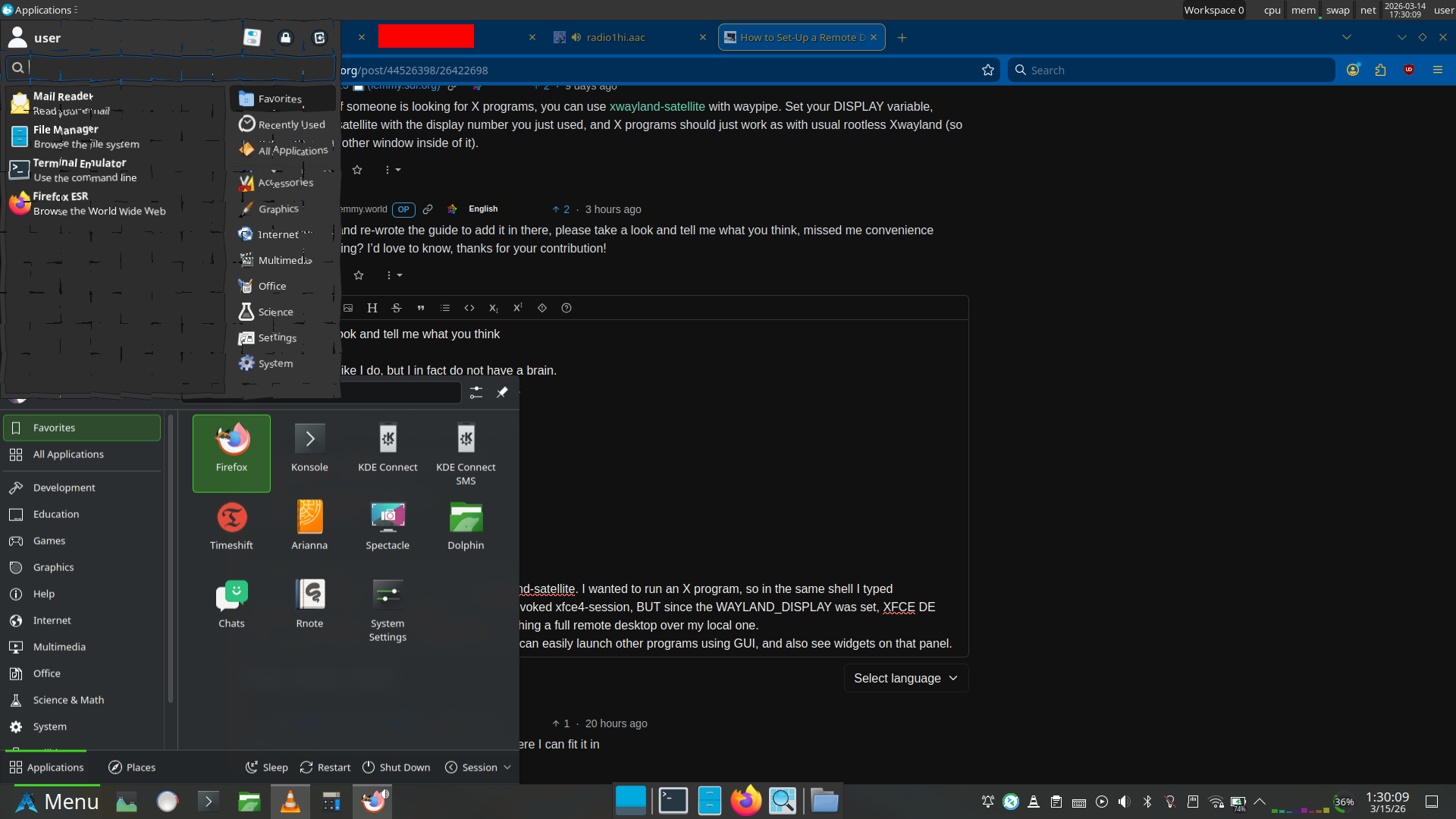
Plasma panel (bottom) is local, XFCE panel (top and middle bottom) are remote.
Right, and you’re probably wondering why that app launcher at the top looks shattered. Well, both can’t be opened at once. If the application launcher goes out of focus, it closes.
But also, I use the shatter effect in KDE Plasma, so it doesn’t go away immediately. This is just as close as I could get with screenshot timing.
Just a quick note if someone is looking for X programs, you can use xwayland-satellite with waypipe. Set your DISPLAY variable, launch xwayland-satellite with the display number you just used, and X programs should just work as with usual rootless Xwayland (so no window with another window inside of it).

Problem with plain Wireguard is if you can’t open ports on some devices to get a direct connection. It should be just fine with hub and spoke model, but NAT Traversal of Tailscale makes a huge difference. I can get a direct connection between 2 devices connected to mobile data and behind CG-NAT.
And also the config management if you have too many devices.
Hub and spoke, you just add new devices to Wireguard on the main device, and the new peer. Full mesh, oof.
But as far as configuring Wireguard goes, that’s pretty simple. And then there’s the weird stuff with MTU and fragmentation… but that’s not something Wireguard-specific.
I went with Google.
Edit: I am just saying what I went with. I didn’t have another fitting option.

Here you go:

I was just looking if something like that exists yesterday, but got disappointed. Nice timing.
Sorry about my Waypipe misunderstanding.
vncserver I configured that way, so of course. I just didn’t expect it to connect to Wayland.
If invoking xfce4-session works, it means you are doing so over vnc, not waypipe.
It does work over Waypipe. You can even see in my screenshot that on the remote machine it shows Waypipe as the WM.
The remote is running Debian 13, with multi-user.target set as default target to keep the GUI from starting. XFCE version is 4.20.1.
Using Waypipe, which proxies Wayland program GUIs to my local computer, just like ssh -X, but with Wayland, and it actually works over the internet (read: high latency).
I didn’t know XFCE supported Wayland , so I casually ran vncserver, which launched xfce4-session, except that it attached itself to the Wayland display (proxied to my local machine) rather than X display of TigerVNC. And here come the full XFCE right to my local machine (which is running Plasma).
Only if the machine is on LAN. I am running with 250ms here.
No, I was not using VNC. VNC xstartup script just launched xfce4-session which connected to Waypipe rather than Xtigervnc.
It does integrate itself to KDE nicely. Even with virtual desktops. And it even properly does the animations. Downside is, I can’t access the original desktop on my laptop while it’s running. Peek at desktop also shows XFCE.
Here’s the cube switcher, showing XFCE instead:
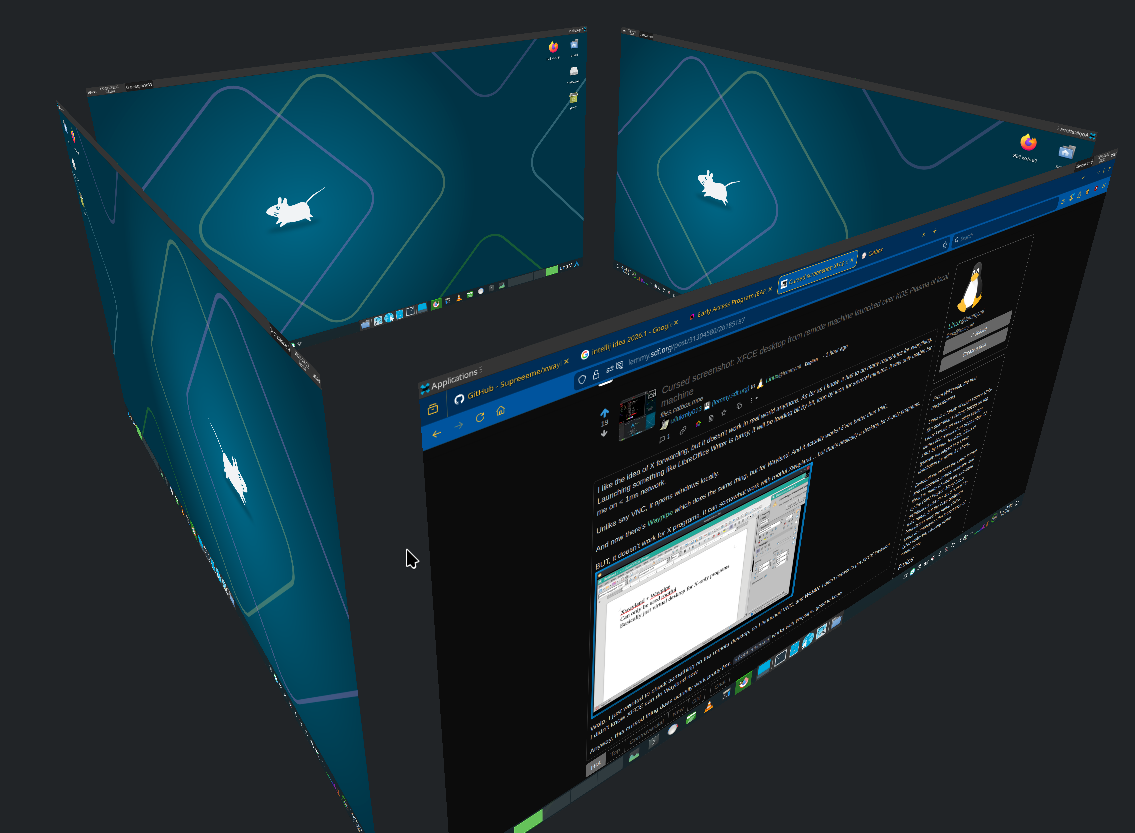
Probably snaps too.
Same, but also for TrackPoint. I have the touchpad disabled. I don’t need to move my hand away from keyboard, I can endlessly scroll through pages at varying speeds just by finger pressure, and even cooler, I can scroll sideways just as easily. Oh, and I can also scroll both vertically and horizontally combined, to just easily navigate in the 2D space, pretty cool.
Although I also use the touchscreen a lot. I don’t want a regular laptop anymore. Unfortunately the 360 ThinkPads seem a bit rare when trying to find a used one.
Let me check what I could get if I tried to buy it new.
ThinkPad L13. Intel Core Ultra 5 125U, 16GB LPDDR5, 512GB SSD, 1920x1200 IPS, WiFi 6E, plastic body. €1,398.76 with 3% student discount. That seems overpriced, at the very least for my use case.
OK, but seriously, X, Y and Z are these:
Reboot
DISM.exe /Online /Cleanup-image /Restorehealth
sfc /scannow
The only answers you’ll get.
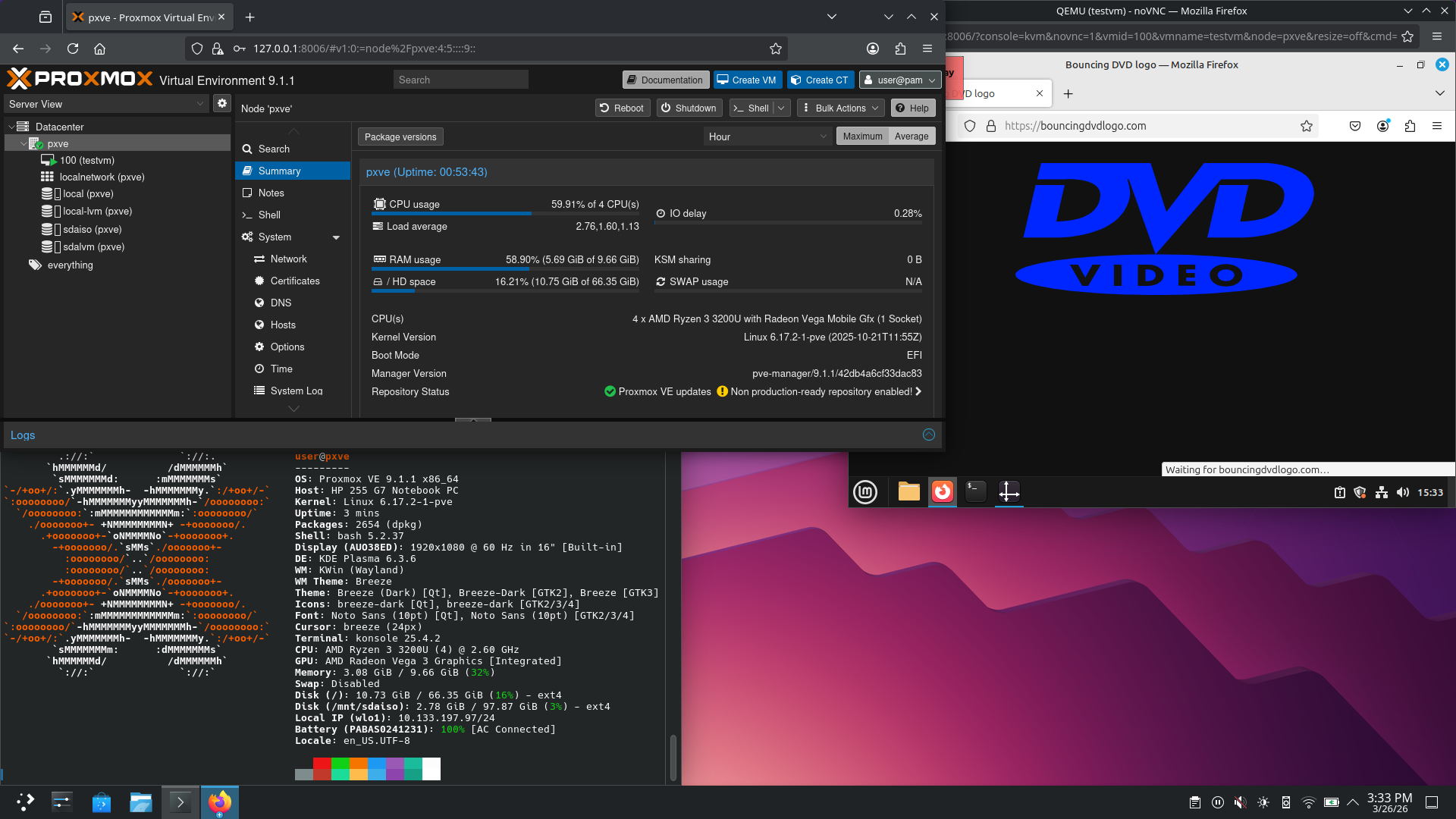

Hey.
So, it would seem I gave you a solution that’s still more complicated than it needs to be.
You see, I was using Debian at the time I initially played with this, but now I am testing it on Arch. When you check the man pages, you’ll see an interesting option available on Arch.
So…
Waypipe on Debian 13 (latest) is version 0.9.2.
Meanwhile on Arch we have 0.11.0.
There’s an interesting new option,
--xwls.Which means that on Debian you have to:
While on Arch you just
pacman -Sy xwayland-satellite waypipe.Then it works with
waypipe --xwls ssh user@IP program.It seems to have been added in 0.10.6.