Here’s my beautiful unemployed-for-too-long-have-no-money-dont-care-about-looks lab :)

Hey it’s more than good enough to run all this ¯_(ツ)_/¯

✅ Rackmounted
❌ Professional
What front end are using for your apps? Looks nice.

heimdall
they posted further down that it’s heimdall
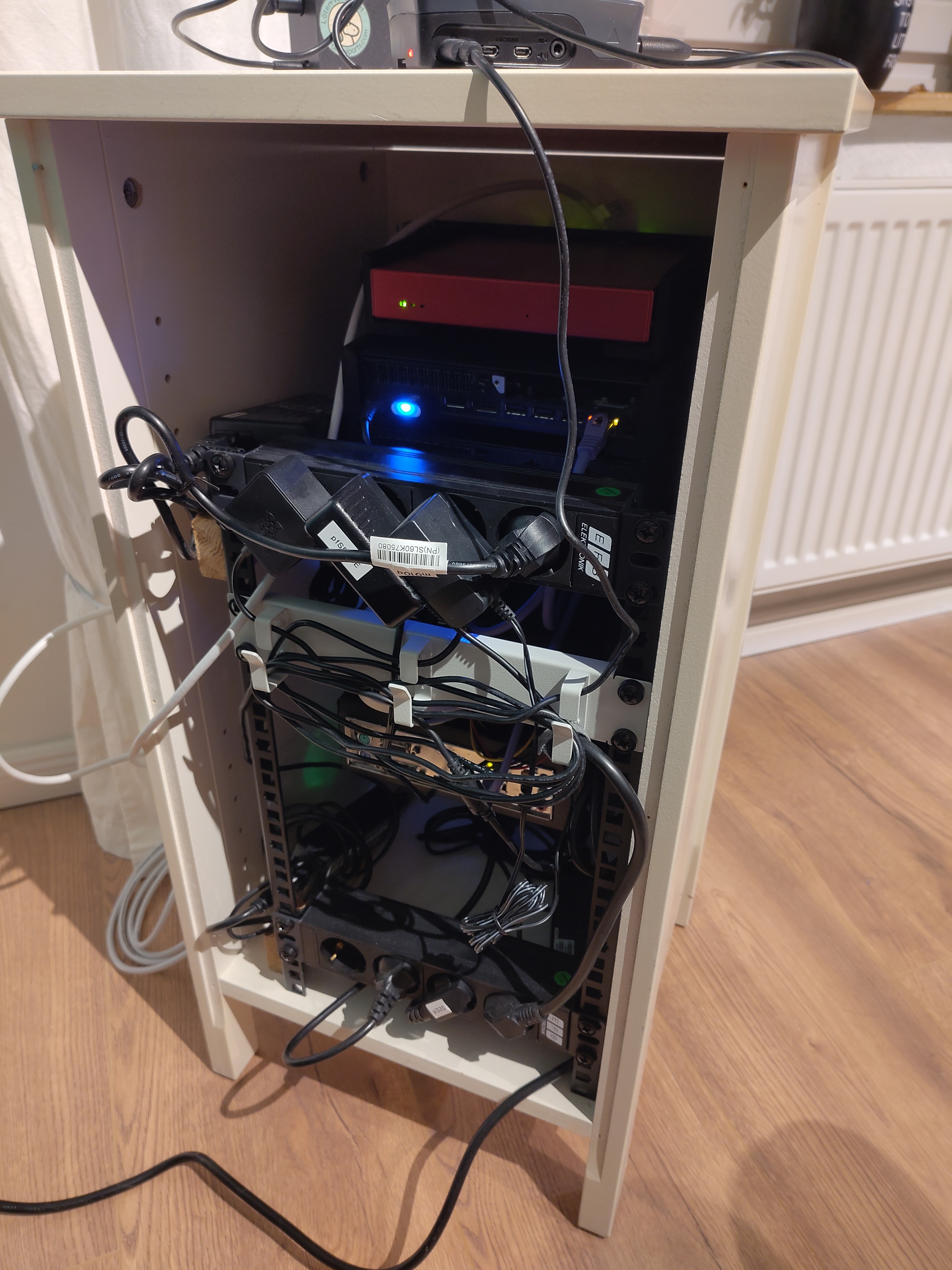
 Here my homelab.
I moved not too long ago and I am still lacking some furniture, so it’s on the floor with cables lying wild. Does not look like much but it actually covers almost all my needs.
I still need a VPS because of email ports and resident ISP not being compatible…
Here my homelab.
I moved not too long ago and I am still lacking some furniture, so it’s on the floor with cables lying wild. Does not look like much but it actually covers almost all my needs.
I still need a VPS because of email ports and resident ISP not being compatible…After seeing some of you guy’s set ups, I don’t feel so bad. LOL
Two rack rails bolted together with a power strip and a tray holding my server mini PC. My router is bolted on as well to act as a switch for everything while also providing Wifi to my phone and laptop

Just a smol bramble.
- 2x RPI 5
- 1x RPI 4
- all is PoE. One head node which has a USB ssd. No SD cards.
- DH2300, with 2x2TB drives in Raid 1.
All is network booted from the head node. Had to mess around with iscsi mounted root because i’m running k3s, and it needs block devices.
Offsite backup with a Hetzner storage box.

Makes mine look boring.

Yours looks power hungry though…
I’m on a variable rate electricity tariff and I use Home Assistant and iLO to power things on and off automatically, so most of the time it pulls 30-50W. At peak it pulls north of 1.5KW but that’s really rare.
Not going to lie, I got excited for the first half of that sentance.
BEHOLD! THE MOTHERBOARD!

“Beware of the leopard.”
Wow!
When I’m rich I will also get a NAS/multiple drive enclosure (and fill it, hence the “rich” condition).
This has got grit! I love it.

a bunch of ebay specials with more ebay parts scavenged over time + some 3d printing.
The centre tower has a miniitx mb and PSU behind those panels to run the NAS, and the drive bays are in the bottom.
The right is a failover cluster that isn’t finished yet.
Wow, that looks really good! I like the labels on each server! Are the 3d printed parts custom or did you find them online?
That’s a very tiny, dense lab!
i’m not utilising it nearly as much as i should which is why i haven’t gotten around to the failover cluster yet.
Same here wrt utilization. I’ve excess capacity and can’t seem to find anything I want to use it on.


Did some one ask for dust cos I got plenty! Also have one desktop with 30TB of memory, separate small form for HA and Pihole, networking equipment, cooling fans and a UPS all packed into one (un)tidy cupboard. The door doesn’t quite close but enough to hide it from my partner!
I would post mine but it’s too messy for now
Such professional. Much clean.

Not pictured: my raspberry running adguard. It’s tucked behind a TV, because it also runs Kodi.
Also not pictured, my Sophos SG-135 rev 2 running OPNsense. It’s in the box where my Starlink equipment is, on the other side of this room.
That 95% unused switch 😱
Such electricity waste. Much unclean.
The used 48 port was cheaper than the used 24 port.
You call it waste, I call it reuse.
But you seem to only need a 8 port at most 🤯
It is a MANAGED switch, my guy. A simple 8 port switch would not work here.
I have multiple VLANs running.
Also, one of those connections is a 10gbe DAC to the big machine which is my NAS and main server.
Not too many 8 port managed switches out there with an sfp+ 10gbe port for 50 bucks, which is what I paid for that Brocade switch in my picture.
But hey, if you feel like buying one for me, I’ll happily take it, and start using it instead.
Not too many 8 port managed switches out there with an sfp+ 10gbe port for 50 bucks
Easy to get these days actually, with 10gbit sfp+ and 8x 2.5gbit, managed switches. About $60.
But my actual argument was that your 48 port switch eats electricity like crazy. That aint a cheap switch at all.
The only brand new, 10gbe managed switches that I can find for less than 60 bucks are off-brand chinese junk. No thank you.
As far as electricity cost goes? After doing that math, it might cost me a dollar fifty a year to use. That machine sitting on the bottom is a much bigger chunk than the switch itself, as it has 6 7200rpm SAS drives in it. Plus it’s a Xeon E3 CPU.
Those drives, each, use as much electricity as that switch does, even before considering the CPU itself.
Let’s be real here.
Pictures like these could make the news and people would have no idea what this stuff is used for but it looks menacing, news could be label it as wild rogue this or that and the common person would know no different and totally believe it. Feels like swatter bait for the posters. Definitely on a list atleast. Nice setups. Keep it jank. Keep it secure!
Built a year ago, didn’t change anything but drives since. PCengine APU OpnSense, two Proxmox cluster hosts, one mini PC NAS with JBOD. All DIY.

I’ve seen that one before!
Yeah I posted it when I built it :)
Way too professional looking for this thread.
Also, you got a link to that sticker? Maybe I’ll add that as an ironic reminder to my “Kabelsalat” 😅
I think I missed the irony 🙈
It’s from Kaoskvlt
What is the browser window showing?
heimdall